
- Money-back guarantee
- Stripe checkout
- For B2B & B2C
- Your own mailbox
Overdue invoice reminder software for your own mailbox
We chase.We read the replies.You decide.
Keep overdue invoices, reminders and replies in one workflow. Payment promises pause follow-ups; disputes go to your team. You choose which emails go automatically and which need approval.
CSV and Excel exports from your accounting system
Why TrueDue
The reply determines the next step.
15
checks before every send
TrueDue connects your current receivables with customer replies. Uncertain cases stay with your team for review; payment promises are checked against refreshed accounting balances.

Reply understood
Replies checked for promises, disputes and questions. Unclear cases reach your team with the original message.
See it in the appHow it works
From receivables to the next clear action.
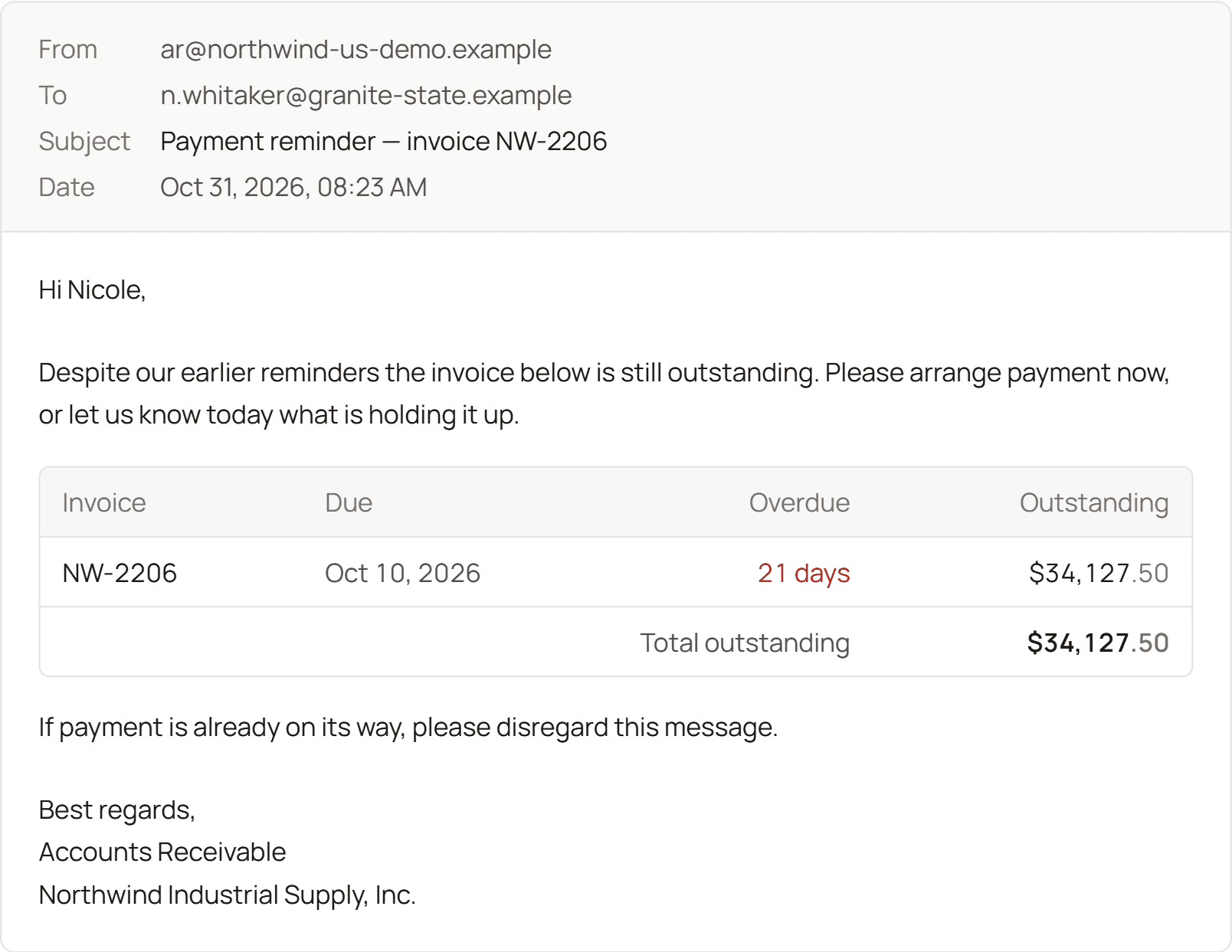
Payment reminders from your own mailbox. Every figure from your ledger.
01 — Bring in current receivables.
Upload your accounting export or email it to your import address. Review and accept the changes.
02 — Choose your sending rule.
Approve every email, automate routine messages or use automatic steps under your chosen policy.
03 — Act on replies.
A payment promise pauses reminders. A dispute holds the case. An out-of-office reply moves the next step. Your team reviews uncertain replies.
04 — Check the next state.
Without a reply, the schedule follows the approved steps. Refreshed balances check payment promises; stale data or uncertain recipients hold sending.
See TrueDue in action
Review the next decision, the full reason and the amount in the real application.
Actual app screen · sample data · scroll to explore

The overview video
TrueDue explained in 48 seconds

From: you
Every reminder leaves your own mailbox, in your name.
15
checks before every send
$0
setup fee on every plan
No limit
on users, on every plan
The math
Manual follow-up burns real money.
Drag to your numbers. If it doesn’t pay off, it says so.
Example calculation
You save per month
$8,198
$98,375 per year · 59% less than doing it by hand
- Lost to manual work per year
- $166,250
- TrueDue Core, first year
- $67,875
Assumes a 25% reply rate (7 min per reply), 30% of the manual work left over and $95.00/hour. Not a quote.
Pricing
One flat price. Unlimited users.
For business customers only. Prices in USD. No VAT is added for businesses outside the EU. Access starts once your first payment is confirmed.
Start
$500/month
No setup fee. Cancel anytime.
- Up to 250 active debtor accounts
- 1 legal entity
- 1 collections mailbox
- Unlimited users
- Standard support
Core
Recommended$1,500/month
No setup fee. Cancel anytime.
- Up to 1,000 active debtor accounts
- 1 legal entity
- 1 collections mailbox
- Unlimited users
- Standard support
Scale
$3,000/month
No setup fee. Cancel anytime.
- Up to 5,000 active debtor accounts
- Up to 3 legal entities
- Up to 3 collections mailboxes
- Unlimited users
- Priority support
30-day money-back guarantee · Terms
Secure checkout via Stripe
More than 5,000 active accounts? Contact us below for a custom quote.
Contact
Talk to us before you decide
Talk to us before you decide

Fabian Lorenz · Founder, Neithra Technologies
Thirteen years in the German police shaped how we work: careful documentation, transparent decisions and discretion with data.
Get in touch
We usually reply within one business day.